VoxScribe press kit
Plain facts, copy you can paste, screenshots and the logo, for anyone writing about VoxScribe. Everything here is free to use. If a claim is not on this page, please check it with us before printing it.
One line
VoxScribe is free, open source voice typing for Windows and Android that runs on your own device, so your voice is never uploaded.
Short description (about 50 words)
VoxScribe turns speech into text anywhere on your PC or phone. On Windows you hold a hotkey, talk and let go; on Android a floating button does the same over any app. Speech recognition runs locally with Whisper, so it works offline and needs no account. The core is free and MIT licensed.
Longer description (about 110 words)
VoxScribe is an open source dictation app for Windows and Android. On Windows you hold a hotkey in any program, speak, and release, and the text is typed where your cursor is. On Android, a small floating button appears above your keyboard in any app and does the same. Speech recognition runs on the device with Whisper (faster-whisper on Windows, sherpa-onnx on Android), so audio is never uploaded and the apps keep working offline after the speech model is in place. The text is typed with keystrokes, not pasted, so the clipboard is untouched, and the apps refuse to type into password fields. The core apps are free under the MIT license, with an optional one-time $14 Pro upgrade.
Key facts
License: MIT. Source on GitHub.
Price: the core apps are free with no limits. An optional one-time Pro unlock costs $14 and covers two PCs and two phones.
Speech engine: OpenAI's Whisper models, run locally. Windows uses faster-whisper on the CPU, Android uses sherpa-onnx with a bundled model.
Languages: about 28 on Windows, plus auto-detect. Android has a language setting too.
Current versions: Windows 1.8.1, Android 1.1.1.
Developer: Ahmed Hmam, an independent developer. The project began in August 2026.
Development note: built with Claude Code as a coding assistant, credited as co-author on the commits.
What touches the network
Audio and dictated text never leave the device. The Windows app downloads its speech model once on first run. Both apps check GitHub for new versions and send one anonymous usage ping (app version, OS version, a random ID), on every launch on Windows and at most once a day on Android, which can be turned off in Settings. Buying Pro triggers one activation request. The full list is on the privacy summary and the privacy policy. This website uses Google Analytics, which is separate from the apps.
Known limits, stated plainly
- Windows and Android only. Linux and iOS are open issues on GitHub, with no timeline.
- The Android app is an APK from GitHub for now, not on the Play Store.
- The Windows installer is unsigned, so Windows SmartScreen may show an unknown publisher warning. This page explains it, and winget and Scoop installs avoid it.
- Accuracy drops on names, jargon and non-English speech with the smaller models. Larger models are slower: on an older laptop CPU, a 15 second clip took about 3.5 seconds with the Small model and about 14 seconds with Large turbo.
Screenshots
Click an image for the full size file. Please keep the images unedited.
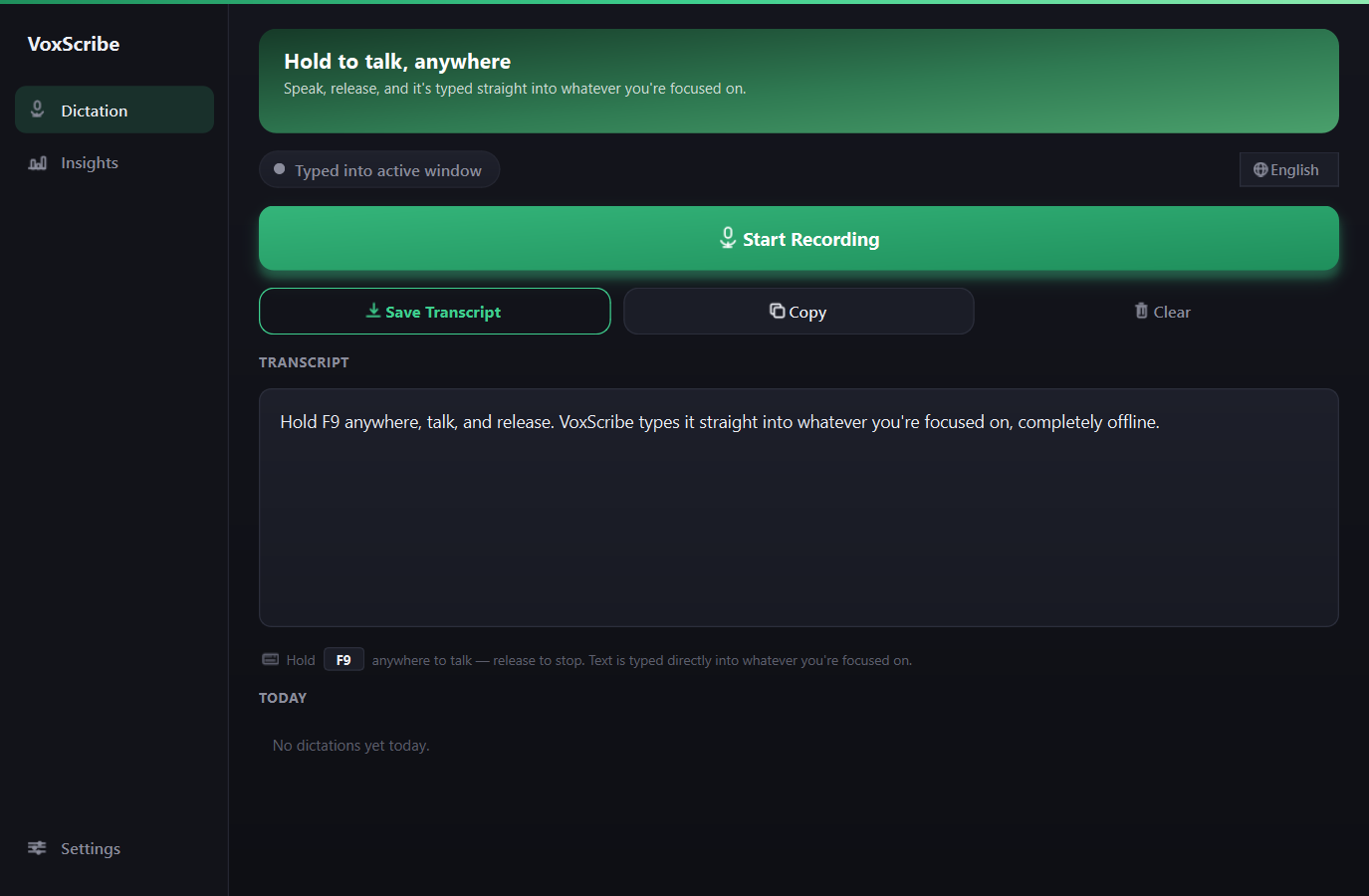
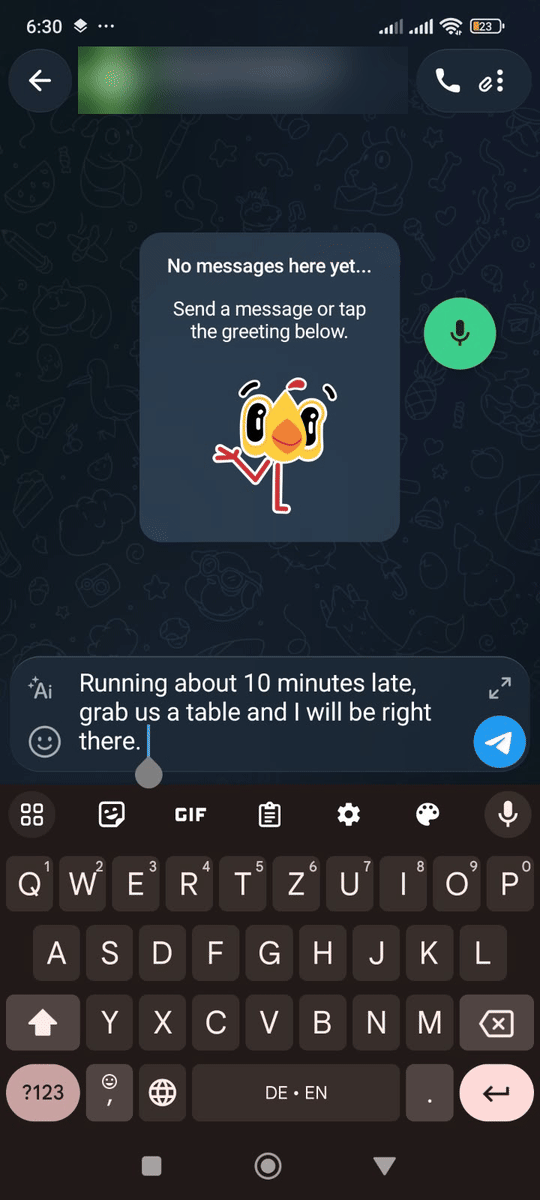
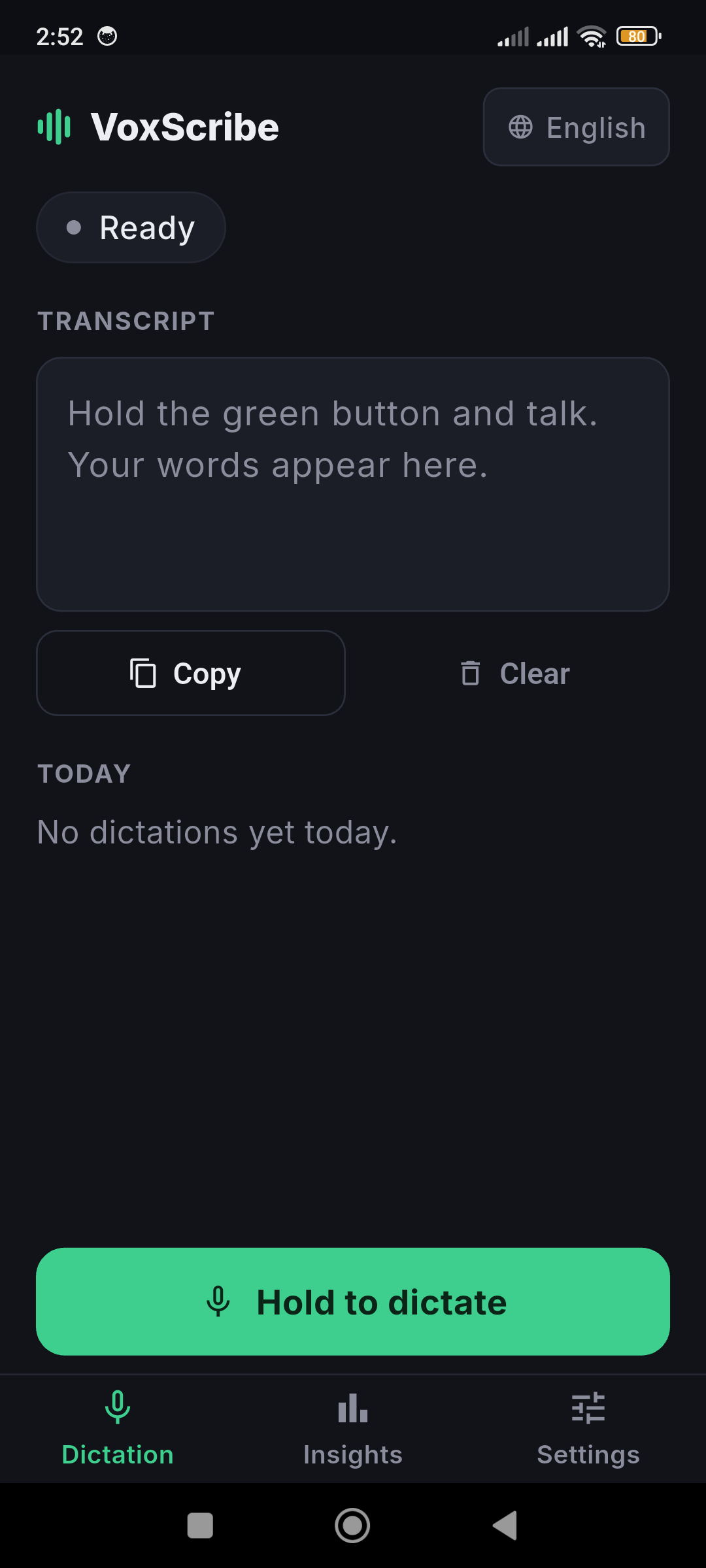
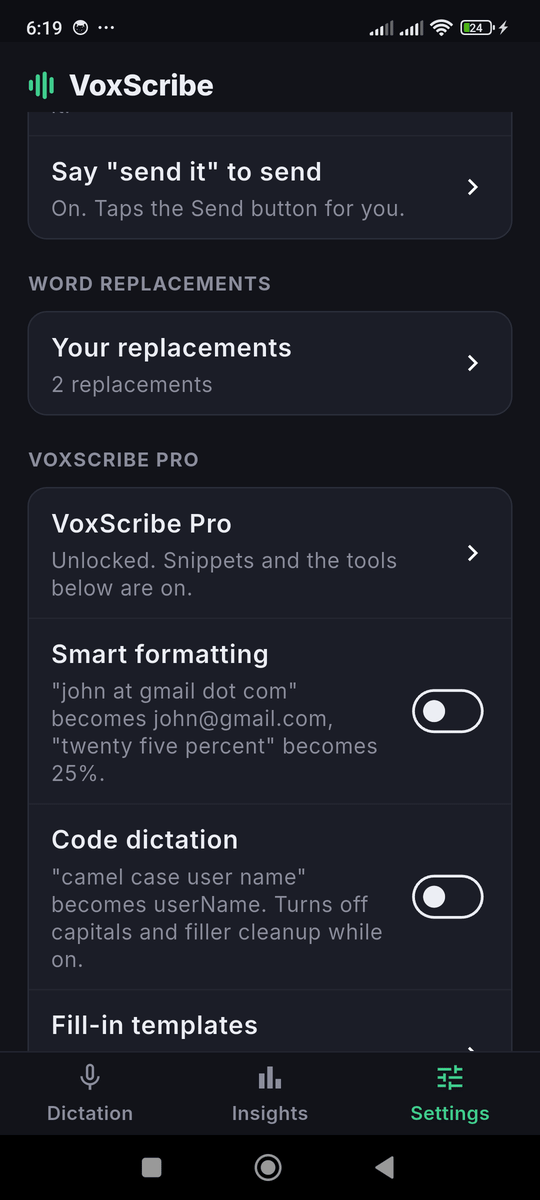
Demo clip (21 seconds, no voiceover, an illustration of working in airplane mode): youtu.be/lLCGvhdJKjA.
Logo and name
The name is written VoxScribe, one word, capital V and S. The mark is nine rounded bars forming a waveform, in a gradient from #10b981 to #5eead4, on a dark background (#06060f).
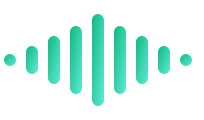
Download the mark as SVG. Please do not recolor it or add effects.
Links
- Source and installers: https://github.com/ahmedhmam1994/voxscribe-ai-voice-dictation
- Latest releases: GitHub releases
- Website: voxscribe-ai-voice-dictation.vercel.app
- Android guide: free-offline-voice-typing-android
Contact
For questions, review copies or corrections, open an issue or a discussion on GitHub. A free Pro license for review purposes is available on request.
Home · Android · GitHub · Privacy · This site uses Google Analytics, see the privacy policy.